 Russian
 Ukrainian
 English
 Polish
How to reset settings in CS 1.6
This article will be useful for players who have accidentally lost their settings or whose game has started lagging. We'll tell you how to reset the settings in CS 1.6.
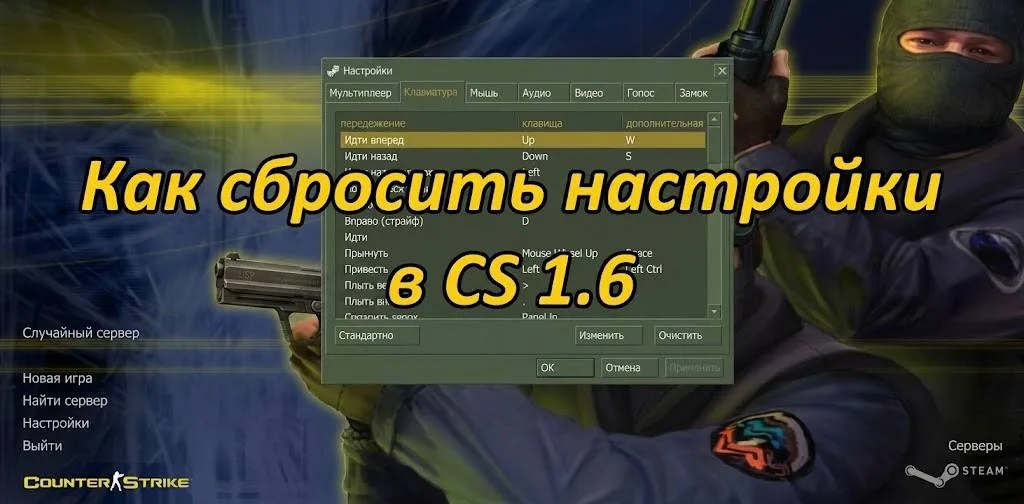
Hello everyone! Today, let's address another question that concerns many gamers: how to reset settings in Counter-Strike 1.6 to default.
This article will be useful for players who've accidentally reset their settings, either because their brother did it, or because you downloaded and installed a config file that caused the game to lag and freeze. We'll tell you and show you how to fix it in no time.
How to reset keyboard settings in CS 1.6
It may happen that you downloaded and installed a new CS 1.6 client, and it has custom settings (for example, scroll wheel jumping) instead of the default ones. To reset everything to factory defaults, follow these steps:
Open "Settings" in the game's main menu.
Go to the "Keyboard" tab.
Click "Standard" and confirm the changes by clicking "OK" in both the pop-up window and the main window.
How to completely reset CS 1.6 settings
Sometimes situations arise when your CS 1.6 suddenly starts glitching, your ping increases, lags appear, and the game becomes uncomfortable. In this case, a complete reset to factory settings will help:
Exit the game.
Go to the cstrike folder at "Your CS\cstrike."
Find and delete the config.cfg file.
After launching, the counter will automatically generate a new configuration file with default settings.
You can also install any config from the "Download configs for CS 1.6" section, which offers a wide range of .cfg files from professionals, YouTubers, and more.
How to reset CS 1.6 settings on Steam
If you own a licensed version of our beloved game and need to reset the settings, the steps are the same as for a pirated version. The only difference is the location of the cfg, which is located at:
Program Files (x86)\Steam\Steamapps\common\Half-Life\cstrike
If the above steps don't produce the desired result, the only option is to download Counter-Strike 1.6 from our website, which works optimally on all versions of Windows.